donk CS2 Settings 2026: All Parameters of One of the Best Players in the World

donk CS2 Settings 2026: All Parameters of One of the Best Players in the World
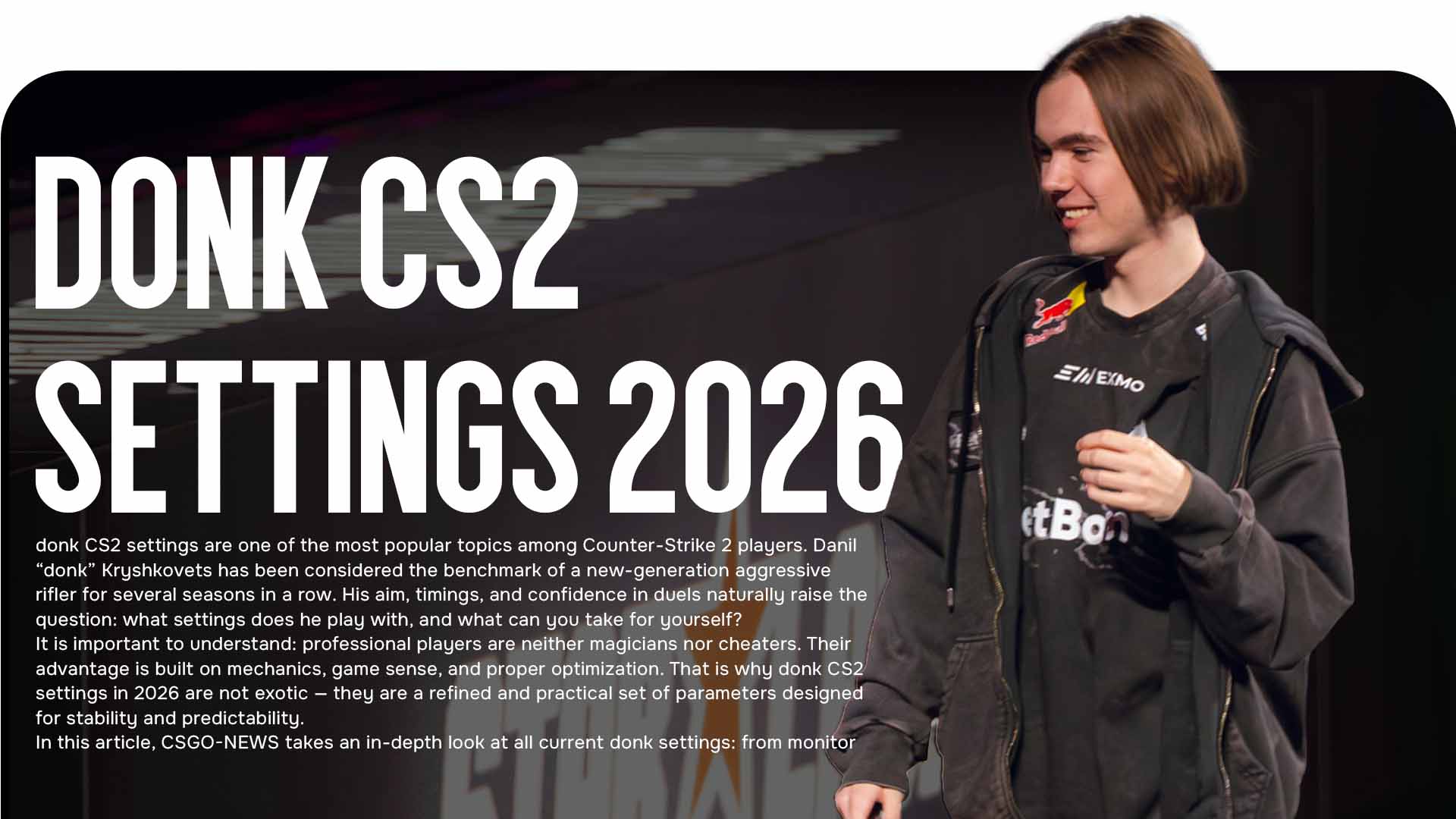
donk CS2 settings are one of the most popular topics among Counter-Strike 2 players. Danil “donk” Kryshkovets has been considered the benchmark of a new-generation aggressive rifler for several seasons in a row. His aim, timings, and confidence in duels naturally raise the question: what settings does he play with, and what can you take for yourself?
It is important to understand: professional players are neither magicians nor cheaters. Their advantage is built on mechanics, game sense, and proper optimization. That is why donk CS2 settings in 2026 are not exotic — they are a refined and practical set of parameters designed for stability and predictability.
In this article, CSGO-NEWS takes an in-depth look at all current donk settings: from monitor and mouse to graphics, crosshair, and viewmodel.
donk CS2 Settings: Monitor
Donk uses the professional esports monitor ZOWIE XL2586X+ with a 600 Hz refresh rate. It is one of the fastest displays on the market, built for minimal input lag and maximum motion clarity.
Key parameters:
-
monitor mode: Gamer 2
-
gamma: Gamma 2
-
DyAc: Premium
DyAc technology reduces visual blur during sharp movements and spray control. It is important to note that color and contrast settings are always individual. Even at the pro level, players tune the image to their own perception — there is no universal preset.
donk CS2 Settings: Mouse
When it comes to sensitivity, donk CS2 settings are as rational as possible, with no experiments.
Main parameters:
-
DPI: 800
-
in-game sensitivity: 1.25
-
eDPI: 1000
-
zoom sensitivity: 1
-
polling rate: 1000 Hz
-
Windows sensitivity: 4
Using 800 DPI is a conscious choice. Higher DPI makes mouse movement smoother, while overall control is compensated by in-game sensitivity. As a result, donk gets a stable eDPI that fits aggressive aim and sharp flicks.
donk CS2 Settings: Launch Options
This section is extremely simple. Donk does not use launch options.
Modern Counter-Strike 2 allows almost all optimization to be done through the in-game menu. For professional players, this is convenient: with frequent travel and hardware changes, they get identical game behavior without manually editing parameters.
Video and Graphics
Donk’s video settings are a classic example of balance between performance and image clarity.
Main parameters:
-
resolution: 1280×960
-
aspect ratio: 4:3 (stretched)
-
display mode: fullscreen
The 4:3 format remains popular among professionals. It reduces the field of view but makes enemy models visually wider, which simplifies aiming and reduces distractions.
Graphics settings:
-
Boost Player Contrast: Enabled
-
model / texture detail: Low
-
shader detail: Low
-
particle detail: Low
-
texture filtering: Trilinear
-
anti-aliasing: 8x MSAA
-
shadow quality: High
-
ambient occlusion: Disabled
-
FidelityFX Super Resolution: Disabled
-
NVIDIA Reflex Low Latency: Disabled
-
NVIDIA G-Sync: Disabled
This configuration provides stable FPS and the most predictable image possible, which is critical at tournaments.
donk CS2 Settings: Crosshair
The crosshair is the most subjective element in the game, and donk CS2 settings here reflect his style: minimal visual noise and maximum precision.
Donk uses a small crosshair and may change its color depending on the map — a smart approach that improves visibility in different conditions.
Crosshair code:
This crosshair will not suit everyone. It should be treated as a reference point, not a mandatory standard.
Viewmodel and Interface
Donk’s viewmodel is close to a classic professional setup:
HUD:
-
HUD size: 1
-
HUD color: pink
-
radar: centered on the player and rotates with view direction
These settings free up screen space and allow faster information reading in dynamic rounds.
Should You Copy donk’s Settings?
donk CS2 settings are an excellent example of a polished professional configuration in 2026. However, it is important to remember: even the best settings will not replace practice, game understanding, and adaptation to your own feel.
Use these settings as a base, test them, and adjust them for yourself. Counter-Strike 2 is a flexible game, and individual tuning often becomes a hidden advantage.
Follow updates, guides, and analytics on CSGO-NEWS — we break down professional CS2 without unnecessary noise.
We have already broken down all CS2 game modes in our article! [Read more…]