Complete Guide by CSGO-NEWS: How to Tune Your PC for Counter-Strike 2
Complete Guide by CSGO-NEWS: How to Tune Your PC for Counter-Strike 2
CS2 optimization without lag is the first thing every player who wants to raise their rating and win important clutches should think about. Enough time has passed since the game transitioned to the Source 2 engine, and in 2026, the system requirements have finally settled. New water physics, volumetric smoke, and improved lighting require significant resources. If your PC can’t handle it and the picture stutters at the most crucial moments, this guide is for you. The CSGO-NEWS blog editorial team has prepared the ultimate guide to tuning your operating system and Counter-Strike 2 itself to squeeze the maximum FPS out of your hardware.
Tuning Windows 11 for Maximum Performance
In 2026, Windows 11 has become the standard for gamers, but this operating system is overloaded with background processes by default. Proper CS2 optimization without lag begins precisely with OS parameters.
- Enable Game Mode: Go to Windows Settings, “Gaming” section, and turn on “Game Mode”. This will force the system to give maximum priority to Counter-Strike 2, suppressing background updates and notifications.
- Hardware-Accelerated GPU Scheduling (HAGS): In the “Display” -> “Graphics” section, make sure to enable “Hardware-accelerated GPU scheduling”. This feature allows the graphics card to manage its own memory, reducing input lag and adding 5-10 FPS in complex scenes.
- Power Plan: Open the Control Panel and select the “Ultimate Performance” power plan. This will prevent your CPU from downclocking during the game.
Perfect Graphics Settings in Counter-Strike 2
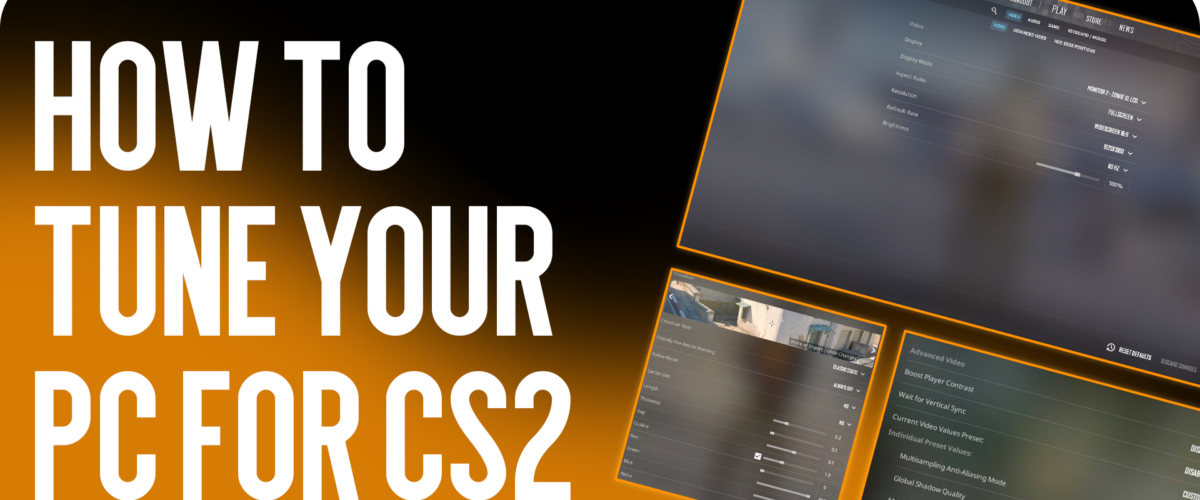
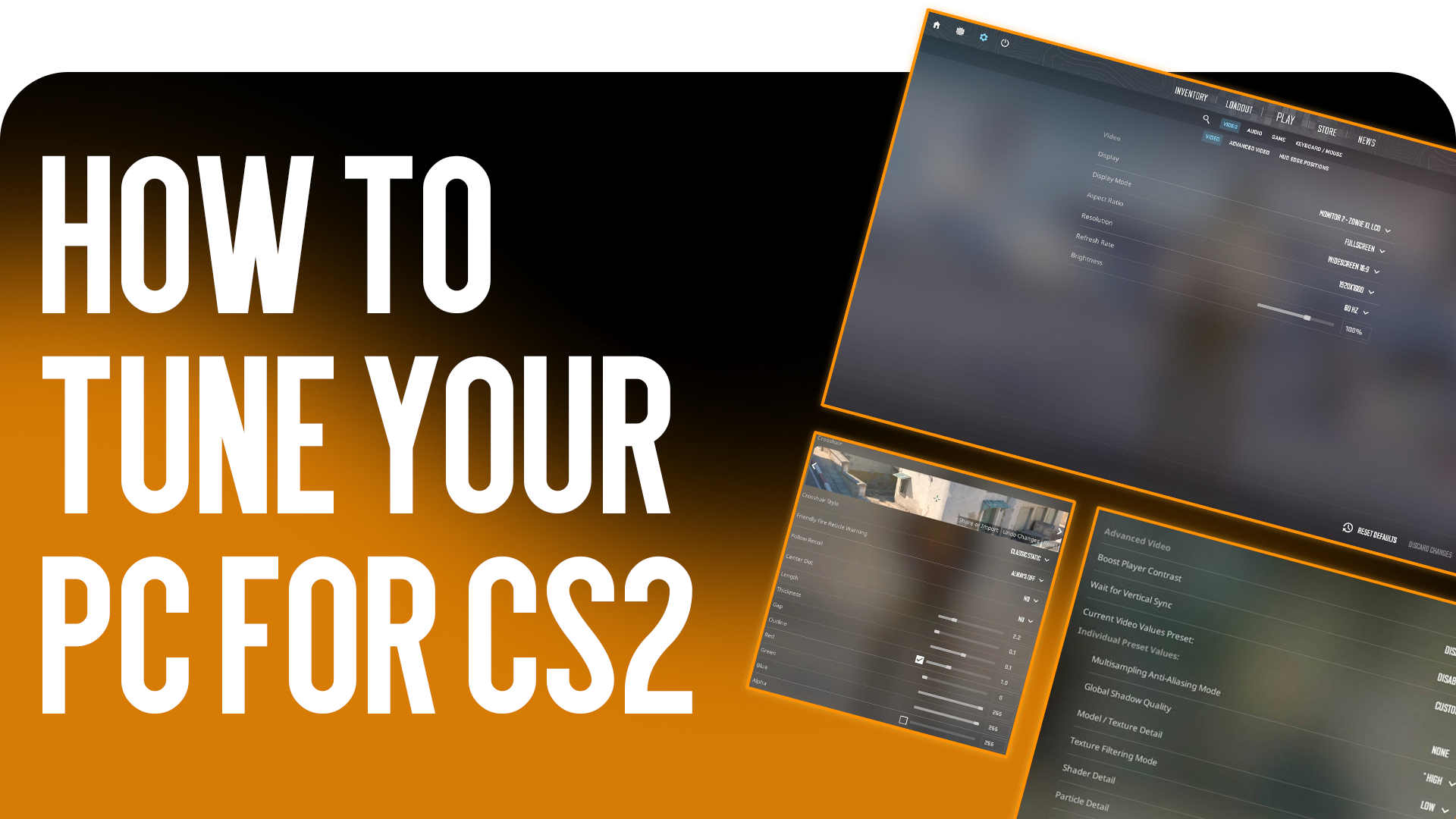
Don’t try to play on ultra settings if your goal is esports. Even professionals choose minimum parameters for better visibility. Go to the Counter-Strike 2 graphics settings and set the following values:
- Model / Texture Detail: Low. This does not affect gameplay but greatly unloads video memory.
- Shader / Particle Detail: Low. Grenade explosions and fire effects will not cause sharp FPS drops.
- Global Shadow Quality: High. This is the only parameter that should not be lowered! In Counter-Strike 2, enemy shadows are dynamic, and you can spot an opponent around a corner by their shadow.
- Multisampling Anti-Aliasing Mode (MSAA): 2x or 4x. If you turn off anti-aliasing completely, pixelated edges will distract you from aiming at long distances.
- NVIDIA Reflex Low Latency: Enabled + Boost. This is a critical setting in 2026 that minimizes the delay between a mouse click and a shot on the screen.
PC Upgrade: Current 2026 Prices
Sometimes software CS2 optimization without lag cannot perform a miracle if your computer is over 10 years old. Fortunately, in 2026, upgrading a PC is not as expensive as it used to be.
First, get rid of old hard drives. Counter-Strike 2 must be installed on a fast drive. Today, a fast 1TB Gen4 NVMe SSD will cost you only $40-45. Second, RAM: 32GB of DDR5 has become the standard for comfortable stutter-free gaming, and a kit now costs around $70. If we talk about graphics cards, an excellent budget solution for esports would be the RTX 4060, the price of which has dropped to $200 on the secondary market. With such a build, stable 300+ FPS is guaranteed.
Steam Launch Options
Many old console commands stopped working on Source 2, but some are still useful. Go to the Counter-Strike 2 properties in Steam and enter the following in the launch options: -high -novid -nojoy These commands will give the game high priority in the system, disable the startup video, and deactivate controller support, freeing up a little RAM.
In conclusion, on behalf of the CSGO-NEWS team: regular CS2 optimization without lag is the key to comfortable gameplay. Keep your graphics card drivers up to date, clean your system of digital junk, and win in Counter-Strike 2 with us!