m0NESY CS2 Settings: Complete Breakdown of One of the Best Snipers’ Settings
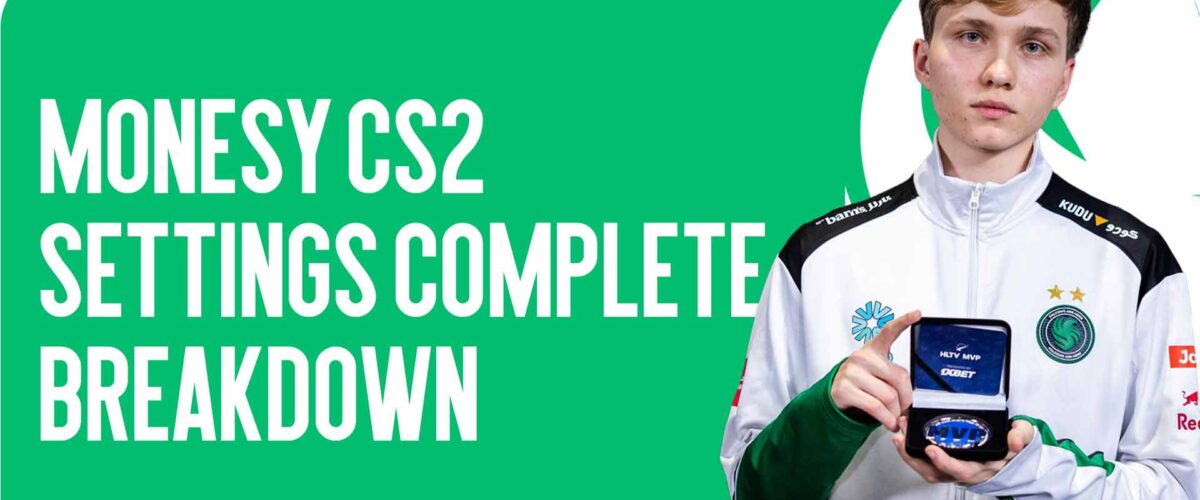
m0NESY CS2 Settings: Complete Breakdown of One of the Best Snipers’ Settings
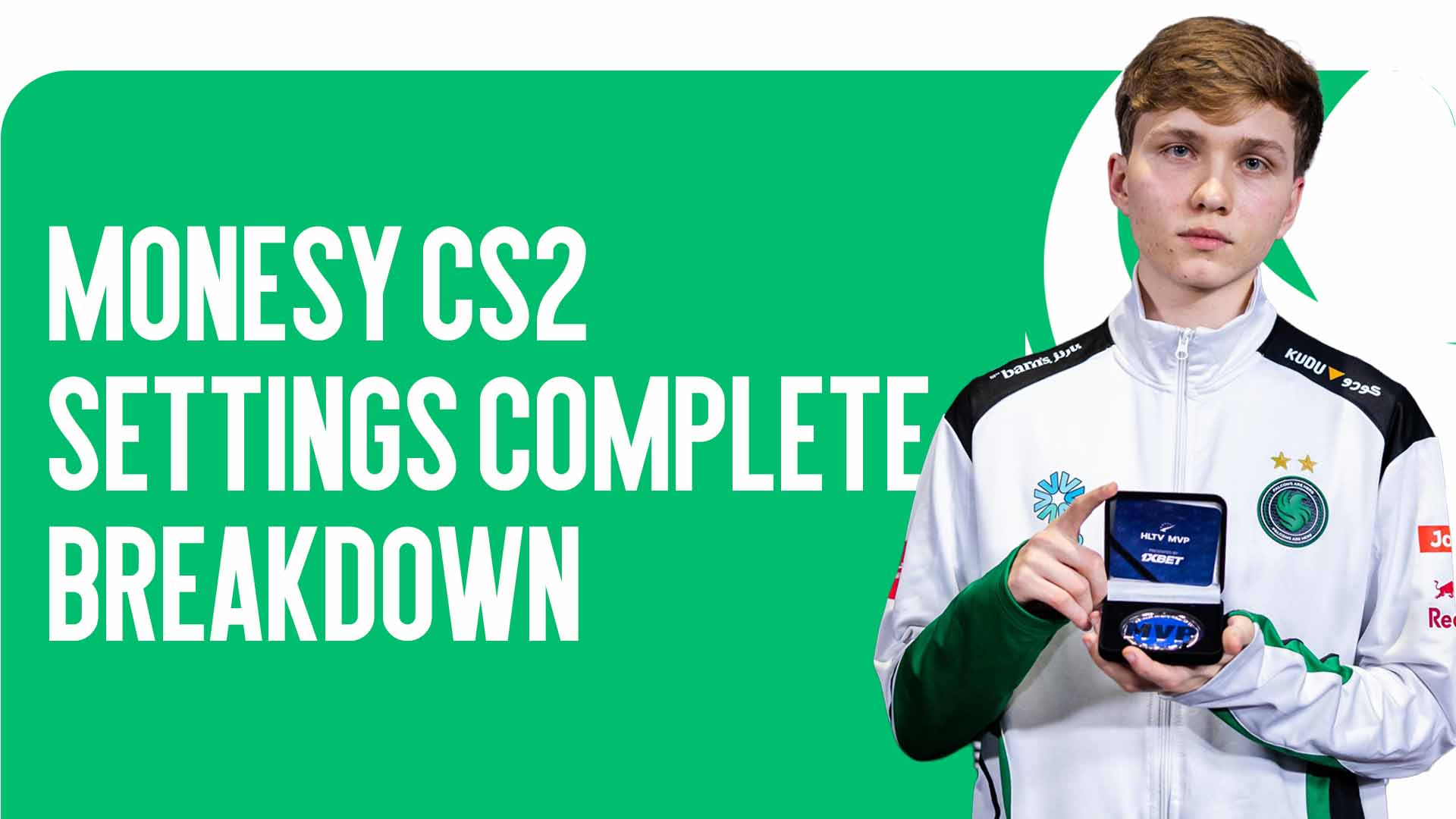
m0NESY CS2 settings are regularly of interest to players who want to improve their shooting and get closer to the level of the professional scene. Ilya “m0NESY” Osipov is considered one of the brightest AWP players of our time, and his playstyle combines lightning-fast reactions and incredible accuracy.
At CSGO-NEWS, we decided to break down the player’s config in detail and explain what parameters he uses and why exactly these settings help him show a high level of play.
Why Players Copy Pro Settings
Professional players pay huge attention to every aspect of the game. They customize CS2 in such a way as to achieve maximum stability and comfort during matches.
Properly selected parameters allow you to:
-
Improve crosshair control;
-
Increase FPS stability;
-
Reduce visual distractions;
-
Achieve more accurate positioning.
That’s exactly why m0NESY CS2 settings have become popular among players who want to try the config of one of the best snipers on the professional scene.
Graphics and Monitor Settings
Like most professional players, m0NESY focuses on performance and game stability. The main goal is to get the smoothest possible picture without unnecessary visual effects.
In esports, a high frame rate plays a key role, as it allows you to react faster to the opponent’s actions and control your shooting more accurately.
Therefore, m0NESY CS2 settings in the graphics section are aimed at minimizing system load. Players often reduce environment detail and turn off additional effects to maintain the highest possible FPS.
This configuration is especially important for AWP players who need to react instantly to an enemy’s appearance.
Mouse Settings
One of the most important parameters for any player is mouse sensitivity. It directly affects aiming accuracy and control while shooting.
m0NESY uses the following values:
-
Sensitivity: 2
-
DPI: 400
-
eDPI: 800
-
Zoom Sensitivity: 1
-
Windows Sensitivity: 6
-
Polling Rate: 2000 Hz
These parameters are considered quite common among professionals. Low sensitivity allows for more precise crosshair control, especially when playing with a sniper rifle.
When a player uses the AWP, it’s important to minimize unnecessary movements. That’s exactly why m0NESY CS2 settings are focused on stability and aiming precision.
m0NESY’s Crosshair
The crosshair is one of the most personalized elements in Counter-Strike. Each player selects the shape, color, and size according to their own playstyle.
m0NESY’s crosshair looks quite minimalist: a small bright-colored cross that is clearly visible on most maps.
Crosshair Code:
CSGO-wAD3c-ykt5L-zvZ98-vBisR-6sWPA
If the code doesn’t work, the parameters can be set via the console:
cl_crosshairgap -4
cl_crosshair_outlinethickness 0
cl_crosshaircolor_r 0
cl_crosshaircolor_g 255
cl_crosshaircolor_b 255
cl_crosshairalpha 255
cl_crosshair_dynamic_splitdist 7
cl_crosshair_recoil false
cl_fixedcrosshairgap 0
cl_crosshair_drawoutline false
cl_crosshairthickness 1
cl_crosshairdot false
cl_crosshairgap_useweaponvalue false
cl_crosshairusealpha true
cl_crosshair_t false
cl_crosshairstyle 4
cl_crosshairsize 1
This crosshair is perfect for precise shooting at medium and long ranges. That’s why many players use m0NESY CS2 settings to test this aiming style.
Viewmodel (Weapon Position)
Another important element is the position of the weapon on the screen. Proper viewmodel settings help free up more space for map visibility.
m0NESY’s parameters are as follows:
viewmodel_fov 68
viewmodel_offset_x 2.5
viewmodel_offset_y 0
viewmodel_offset_z -1.5
These values make the weapon model more compact and less noticeable on the screen.
For players who want to fully replicate m0NESY CS2 settings, it’s important to use these parameters as well.
Launch Options
Interestingly, at the moment m0NESY practically does not use launch options. Previously, the player experimented with various commands, but over time he abandoned them.
Today, most professionals prefer minimalism. Modern versions of the game are already sufficiently optimized, so additional launch options often turn out to be simply unnecessary.
Is It Worth Copying Pro Settings
Although m0NESY CS2 settings can be an excellent starting point, it’s important to understand one thing: there are no perfect parameters for all players.
Each person has:
-
Their own hand sensitivity;
-
Different reaction speed;
-
Individual playstyle.
Therefore, the best approach is to use a pro’s config as a base, and then gradually adapt it to yourself.
Conclusion
m0NESY CS2 settings demonstrate a professional player’s approach to optimizing the game. Minimal graphics, precise mouse sensitivity, and a simple crosshair create ideal conditions for stable shooting.
However, the main secret of m0NESY’s success lies not only in his in-game parameters. Regular practice, match analysis, and immense game experience play a much more important role.
If you want to improve your game, try testing these settings, and then gradually adjust them to your own style. This is how many players find the configuration that helps them show better results on the server.
100 Thieves CS2 — The Team’s Path to the Major and a Chance to Repeat a Scene Sensation are already in our article! [Read…]