CS2 Knife Commands: How to Test Any Knife in CS2 in 2025
CS2 Knife Commands
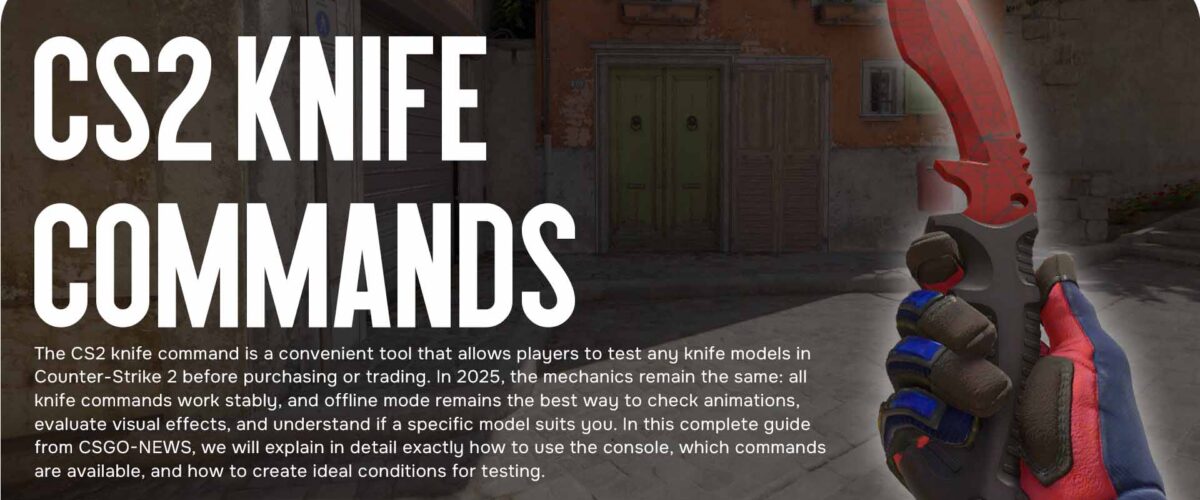
The CS2 knife command is a convenient tool that allows players to test any knife models in Counter-Strike 2 before purchasing or trading. In 2025, the mechanics remain the same: all knife commands work stably, and offline mode remains the best way to check animations, evaluate visual effects, and understand if a specific model suits you. In this complete guide from CSGO-NEWS, we will explain in detail exactly how to use the console, which commands are available, and how to create ideal conditions for testing.
How to Test Any Knife in CS2 in 2025
To view knives in CS2, you don’t need to install anything — the built-in developer console is enough. After enabling the console, open an offline match with or without bots and activate cheat commands. This is a standard working method used by players, esports athletes, and streamers when they want to test the appearance of knives and their unique animations.
Step by step, it looks like this:
Enable the developer console through the game settings.
Launch a local map with bots or remove them later.
Enter the command sv_cheats 1 to activate test functions.
Then use the required command of the type give weapon_knife_*.
For example:
give weapon_knife_karambit
You will get a Karambit instantly. This method works with all knife models present in the game.
It’s important to remember that such commands only work in local matches. On official Valve servers, using cheat commands is impossible, so you cannot test knife models online.
All Working Commands for Knives in CS2 (CS2 Knife Command)
In 2025, the list of commands for knives remains relevant and fully functional. Here is the list of models that can be called via the console:
Karambit — give weapon_knife_karambit
Butterfly Knife — give weapon_knife_butterfly
M9 Bayonet — give weapon_knife_m9_bayonet
Shadow Daggers — give weapon_knife_push
Bowie Knife — give weapon_knife_survival_bowie
Classic Knife — give weapon_knife_css
Falchion Knife — give weapon_knife_falchion
Huntsman Knife — give weapon_knife_tactical
You can also test a knife with a specific skin right away. For this, an extended command is used:
give weapon_knife_butterfly paintkit 38
This way you can evaluate the combination of the skin, shades, and animations before purchasing.
How to Drop a Knife in Offline Mode
If you are actively comparing models, a command that allows you to drop a knife will be useful. By default in CS2, a knife cannot be dropped, but in offline mode this restriction is lifted:
Enter the command: mp_drop_knife_enable 1
Press G to drop the knife
Use a new give command to take the next one
This allows you to quickly switch between models and visually compare them side by side.
Settings for the Perfect Test Match
To create a clean and convenient testing session, we recommend enabling additional parameters:
sv_cheats 1 — activates extended functions
bot_kick — removes all bots
mp_limitteams 0 — removes team restrictions
mp_autoteambalance 0 — disables autobalance
mp_roundtime_defuse 60 — increases the round duration
mp_restartgame 1 — restarts the match
After this, you get a clean environment where nothing interferes with you testing knives, trying animations, and switching from model to model.
Best Knives for Testing in 2025
Some knives remain community favorites due to their animations and visual style:
Butterfly Knife — one of the most dynamic knives with smooth flips.
Karambit — a legendary model with a spectacular spin animation.
Shadow Daggers — a unique dual animation that stands out among other knives.
Bowie Knife — a massive blade with a distinctive weight effect.
Classic Knife — a nostalgic model with a historical style.
Testing these knives is especially useful if you are choosing between several options and want to feel the difference.
Knives with Unique Features
Each knife model in CS2 has its own visual and tactile features. For example:
Butterfly Knife stands out with its fast and long flips.
Karambit has a recognizable draw animation and signature spin.
Shadow Daggers completely change the attack and hold style.
These differences are felt within the first seconds of testing, so offline viewing is the best way to choose the perfect knife.
Conclusion
CS2 knife commands are an excellent way to test models without spending money. You can see how a certain animation looks, evaluate the combination of the skin, and choose a knife that best matches your playstyle. Use offline mode, enable commands, and compare knives — this way you can make an informed decision before purchasing or trading.
The best white skins are already in our article! [Read more…]