How to withdraw skins from FarmSkins: step-by-step instructions

Instructions on how to withdraw skins on FarmSkins are necessary for beginners who are just getting acquainted with the system of opening cases on gaming platforms. Inexperienced users often violate the rules of withdrawal, as a result of which they will be “banned” on Steam platform or delayed withdrawal.
Conditions for withdrawing skins on FarmSkins
After winning items in cases, many users want to immediately transfer the skins to their Steam account. To do this, you must be a registered user who at least once replenished the balance of the game wallet.
For withdrawal you need to have an active account in Stime to make the exchange.
New accounts, users who have recently canceled transactions or disabled Steam Guard are at risk of being banned.
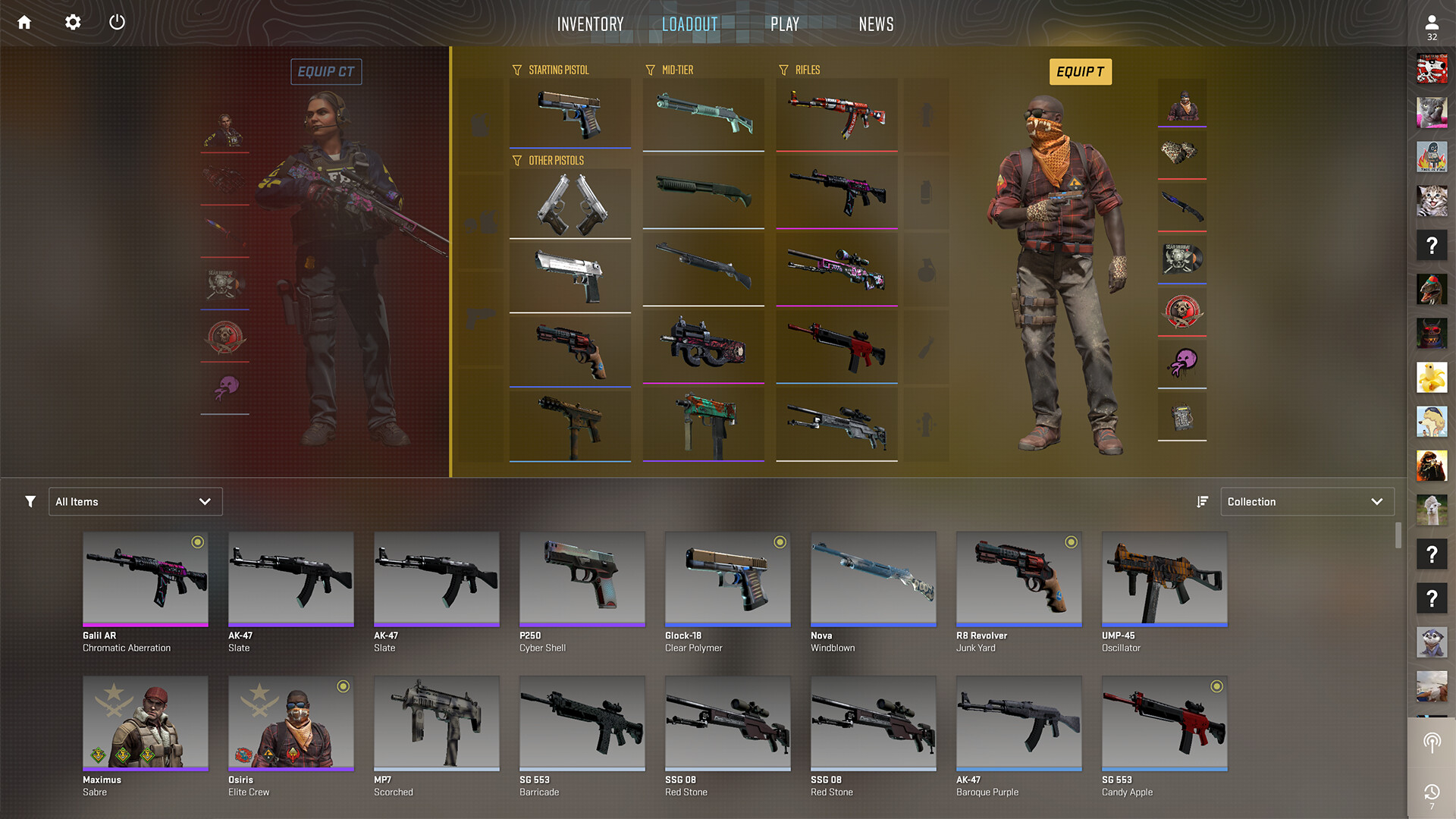
Step-by-step instructions on how to withdraw skins on FarmSkins
To output skins on FarmSkins, you need to follow a few steps:
- Register on the site.
- Specify your Steam account, if authorization was not done via Steam.
- Select the item you want to move.
- Confirm the transaction on the website.
- Go to Steam and confirm the move in Steam Guard.
Keep in mind that for a successful exchange, you need to keep Steam Guard on for at least 15 days. This system guarantees the safety of your transactions and the movement of items from the third-party site to your account.
Deadlines and possible delays
Farm Skins exchanges through a special trade-bot, which processes withdrawal requests within 5 minutes. Delays may occur if you have disabled Steam Guard, confirmed the transaction in Steam in a timely manner. In this case, the transaction takes a little longer.
If your account is banned, withdrawal may not be available for some time.
Typical output errors
New CSGO enthusiasts may make some common mistakes when outputting skins:
- Steam Guard being disabled for a long time or the system being turned on relatively recently;
- technical delays during the exchange;
- insufficient inventory in the user’s account.
To avoid typical mistakes, it is recommended to read the player guide provided on the Steam platform.
Tips for safe withdrawal
Not all withdrawals to Steam are safe, so CS 2 players risk losing their items or accessing personal data. In order not to fall prey to scammers, it is important to follow the basic rules of security:
- use only verified links;
- do not disable Steam Guard;
- check the tradebot;
- open cases and interact only with official sites.
Collaboration with fake sites can lead to getting “banned” on the Stim platform, so it is necessary to carefully choose the sites for opening cases.
Conclusion
Withdrawing skins from FarmSkins is safe because this site operates legally and has official registration. You can learn about it from dozens of reviews from players. Here you may encounter delays in withdrawal, as well as difficulties in moving expensive skins. But, for beginners who withdraw inexpensive items, the site is quite suitable.