How to cancel Hellcase Premium subscription?
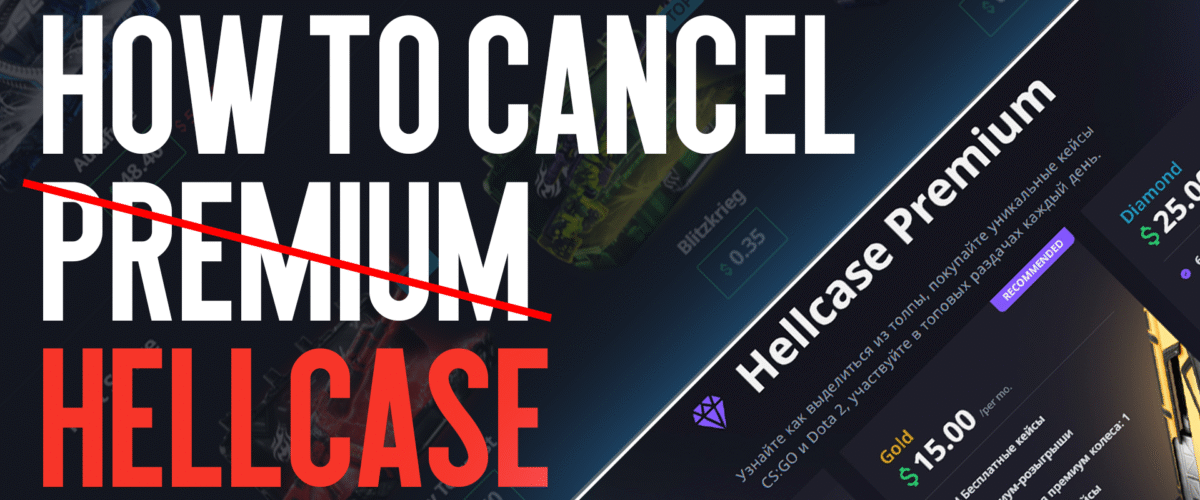
The CS2 case-opening platform Hellcase offers players a chance to win valuable skins for real money. In addition to standard features, the site provides a premium subscription that grants extra bonuses.
However, over time, users may need to cancel their subscription. The reasons vary — from saving money, switching platforms, to a lack of desired drops.
Ways to Cancel: Step-by-Step Instructions
Let’s look at two main ways to cancel Hellcase Premium. There are two key methods: through your personal account on the website or via your payment system (PayPal, bank card, etc.).
If you want to cancel your Hellcase subscription, follow these steps:
- Log in to your account
- Go to the “Settings” or “My Subscription” section (depending on your site version)
- Find “Manage Subscription” and click “Cancel”
- Confirm the action in the pop-up window
After cancellation, your subscription will remain active until the end of the paid period, but automatic renewal will be disabled.
If the cancel button is unavailable, your subscription may have been created through a third-party payment system (PayPal or a card). In that case, you need to disable auto-payments directly in that service. Log into your PayPal account, go to “Recurring Payments” (or “Subscriptions”), find Hellcase in the list, and click “Cancel Subscription.” Confirm the cancellation.
PayPal will stop billing you, but your Hellcase Premium features will remain available until the end of the billing cycle.
Some banks (e.g., Tinkoff, Sberbank, Alfa-Bank) allow you to cancel recurring charges via their mobile app.
After cancellation, it’s recommended to check your transactions in the following month to make sure the subscription is fully deactivated.

What Happens After Canceling Hellcase Premium?
Canceling your subscription does not immediately remove all benefits. Let’s clarify what changes in your account and when.
Access to Premium features remains active until the end of the billing period. For example, if you cancel on June 15 and your plan is valid until June 30, you’ll retain all bonuses until the end of the month. After June 30, Premium status will automatically be removed.
Free cases and daily bonuses stop as soon as the subscription ends. You will no longer receive daily free cases, any accumulated rewards will be reset, and exclusive promo codes will become unavailable.
The decision depends on your gaming habits. If the subscription is no longer delivering value, feel free to cancel it using the instructions above.
Key Considerations
Canceling your Hellcase subscription involves several important points to keep in mind. Most importantly, understand the refund policy. Hellcase — like most similar platforms — does not offer refunds for unused subscription time. Exceptions may apply only in cases of technical errors, such as double billing or unauthorized charges.
Also note that if you choose to resubscribe later, previously accumulated bonuses will not be restored.
Finally, after deactivating your subscription, it’s wise to monitor your payment history over the next month to ensure that recurring charges have truly stopped.
In conclusion, canceling your Premium subscription requires a careful approach. The key is to track your billing cycle and make full use of any remaining bonuses in advance to avoid missing out.