Secrets of the Chosen One: Complete Breakdown of Mathieu Herbaut’s Config
Secrets of the Chosen One: Complete Breakdown of Mathieu Herbaut’s Config
ZywOo’s CS2 settings are one of the most frequent search queries among esports fans, and this is absolutely unsurprising. For professional Counter-Strike players, there are no insignificant details. Every parameter is optimized for maximum comfort and peak performance on the server. That’s why the official CSGO-NEWS blog continues its series of articles dedicated to the configs of top esports athletes.
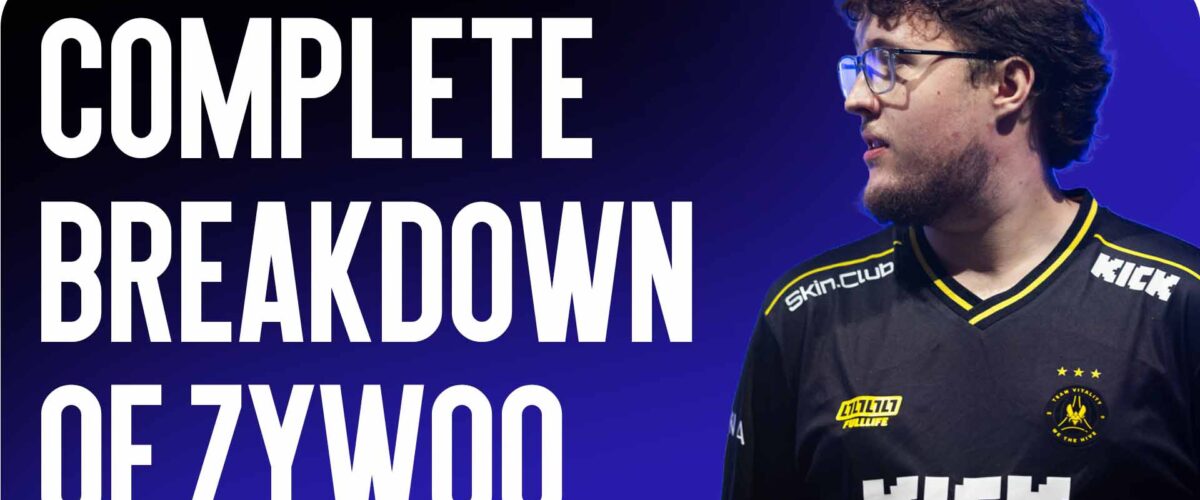
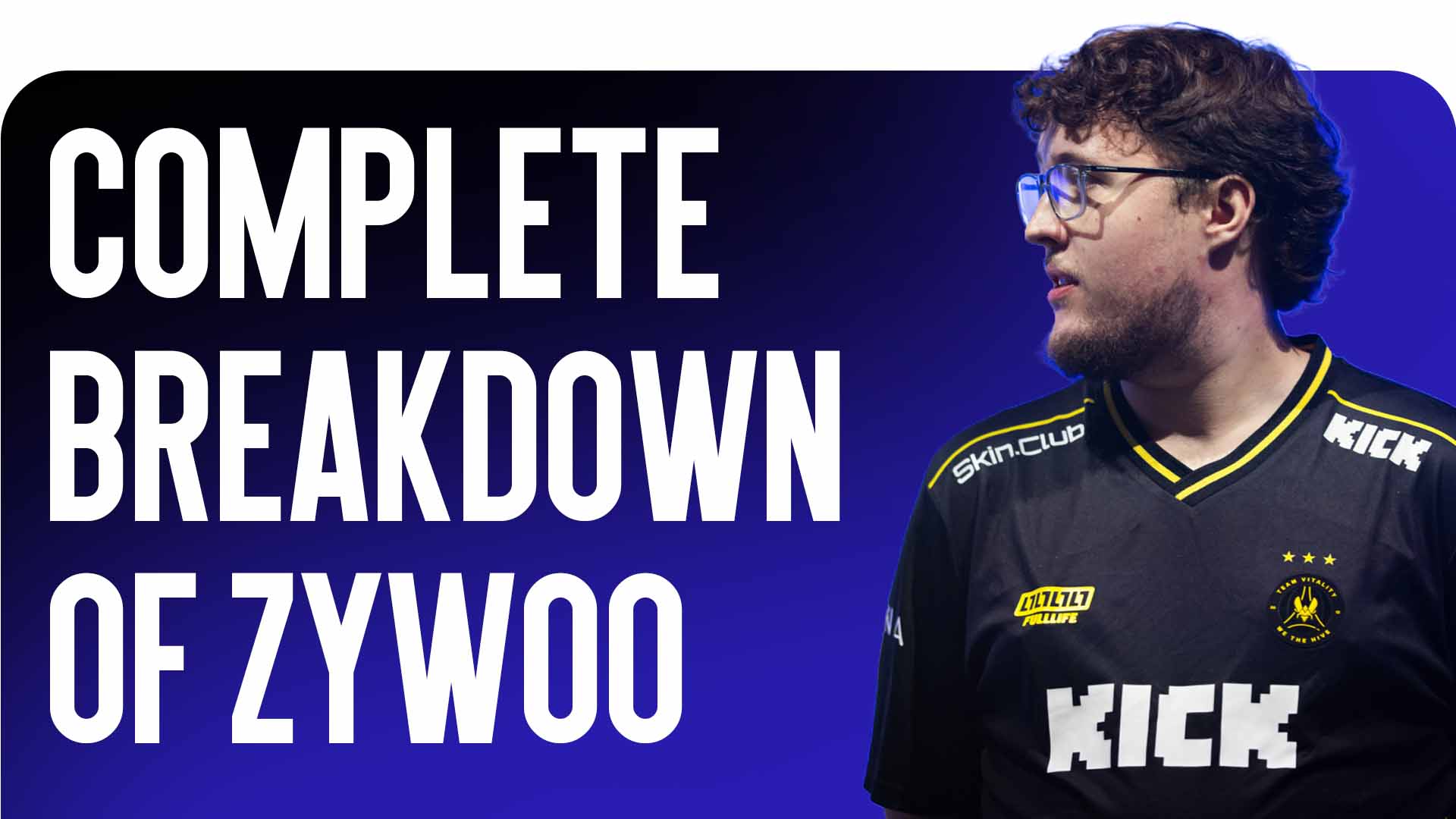
Today, under our microscope is Mathieu “ZywOo” Herbaut — the phenomenal sniper of Team Vitality, multiple-time holder of the title of best player in the world, and a true genius of the game. Let’s break down in detail what parameters the “Chosen One” uses to dominate the professional scene.
Peripherals: The Champion’s Mouse and Keyboard
Professional devices are an extension of the esports athlete’s hands. An interesting fact is that the French sniper uses a unique gaming mouse created by the brand Pulsar specifically for him. The “The Chosen Gen. 2” model features an ergonomic shape with a slight rightward tilt, which is ideal for players who prefer a palm grip. The mouse is equipped with advanced sensor technologies, although it lacks the currently fashionable magnetic switches on the main buttons (clicks).
Mathieu’s mouse sensor parameters are as follows:
-
DPI: 400
-
In-game Sensitivity: 2.0
-
eDPI: 800
-
Zoom Sensitivity: 1.0
-
Windows Sensitivity: 6/11
-
Polling Rate (Hz): 1000
These are the classic, golden standards of professional Counter-Strike. The value of 400 DPI is chosen by the vast majority of Tier-1 snipers. Notably, ZywOo’s CS2 settings can slightly change during tournaments: depending on his physical condition and micro-control feel, Mathieu may vary his in-game sensitivity between 1.9 and 2.0. The device glides on a branded mousepad from the same manufacturer, Pulsar.
Regarding the keyboard, the choice is much more exotic. ZywOo uses a custom version of the ASUS Rog Falchion keyboard with magnetic switches. Visually, it stands out with pink keycaps on the WASD keys, a bright yellow Enter key, and the silhouette of an AWP sniper rifle on the Backspace key. The main feature of magnetic switches is the ability to finely adjust the actuation point (activation) of the key. This provides a micro-second advantage in strafes, although the gamer has to sacrifice tactile feedback when pressing.
Monitor Parameters and NVIDIA Panel
Like most participants in major LAN tournaments, ZywOo trusts monitors from Zowie, which have long become an unofficial standard in esports. Interestingly, in the NVIDIA Control Panel, Mathieu makes virtually no changes, preferring to adjust the image using the monitor’s own hardware menu.
The color temperature (all three primary colors) on his screen is turned up to maximum values for better contrast. DyAc technology (reducing blur during fast movements) and AMA (increasing matrix response time) are set to Premium mode. This allows him to clearly see enemy models even during the fastest screen turns.
Graphics: How the Game Looks for the World’s Best Player
Examining ZywOo’s CS2 settings, you can notice that he does not strive to cut graphics down to a “pixel mush” state. Since tournament computers have top-tier hardware, the Frenchman allows himself quite high parameters.
Basic screen settings:
-
Resolution: 1280×960 (sometimes switches to 1024×768 depending on personal feelings at the tournament)
-
Aspect Ratio: 4:3
-
Display Mode: Fullscreen
-
Brightness: 100%
Advanced in-game graphics settings:
-
NVIDIA Reflex Low Latency: Enabled (reduces system latency)
-
Boost Players Contrast: Enabled
-
Model/Texture Detail: High
-
Shader Detail: High
-
Particle Detail: High
-
Texture Filtering: Anisotropic 4x
-
Anti-Aliasing: 4x MSAA
-
Global Shadow Quality: High (important for seeing enemy shadows around corners)
-
Ambient Occlusion: Medium
-
HDR: Quality
-
FidelityFX Super Resolution: Disabled (to avoid a “blurry” image)
On modern powerful PCs, this configuration delivers consistently high FPS while providing a visually pleasing and crystal-clear image.
Key Bindings: ZywOo’s Unconventional Binds
In the control scheme lies perhaps the most unexpected fact. Unlike 99% of professional players, ZywOo does NOT use the mouse wheel scroll for jumping! His jump is classically bound to the Spacebar.
The rest of his binds are distributed as follows:
-
Crouch is assigned to left Shift
-
Walk is set to the side mouse button (Mouse5)
-
Reload standardly on the F key
-
Drop weapon bound to pressing the mouse wheel (Mouse3)
ZywOo’s Crosshair: Code and Console Commands
When copying ZywOo’s CS2 settings, many players first want to borrow his crosshair. Mathieu uses a neat, small white crosshair that doesn’t blend into map textures or obscure enemy heads at long distances.
You can easily import it via the code in the game’s settings menu: CSGO-2R3RD-dBh8Z-mBZZU-yA5mE-bkMHA
Or paste the following block of commands into the developer console:
cl_crosshair_drawoutline 0; cl_crosshairalpha 255; cl_crosshaircolor 4; cl_crosshaircolor_b 255; cl_crosshaircolor_g 255; cl_crosshaircolor_r 255; cl_crosshairdot 0; cl_crosshairgap -3; cl_crosshairsize 1; cl_crosshairstyle 4; cl_crosshairthickness 2; cl_crosshair_sniper_width 0;
Of course, crosshair choice is a highly individual matter, but testing the best player on the planet’s crosshair is definitely worth it.
Aesthetics: Mathieu Herbaut’s Inventory
Although skins don’t affect gameplay, they create the mood. The CSGO-NEWS editorial team analyzed Team Vitality’s match recordings from the recent IEM Rio tournament and compiled a list of the main cosmetic items the French talent used:
-
Knives: Butterfly Knife | Doppler Sapphire (T-side) and Karambit | Doppler Sapphire (CT-side)
-
Gloves: Sport Gloves | Vice (or Ultra Violent)
-
Sniper Rifle: AWP | Queen’s Gambit
-
Main T-side Rifle: AK-47 | Inheritance
-
Main CT-side Rifles: M4A1-S | Fade and M4A4 | The Emperor
-
Pistols: Desert Eagle | Ocean Drive, Glock-18 | Fully Tuned, P2000 | Gnarled
Conclusion
At first glance, Mathieu’s parameters may seem quite standard, without crazy sensitivity experiments or extreme screen resolutions. However, the secret of his success lies precisely in this verified stability. The config is just a tool; the real magic is created through persistent training, game intelligence, and lightning-fast reflexes.
Configure the game for yourself, draw inspiration from your idols, and stay with the CSGO-NEWS blog! More useful guides, config reviews, and the freshest news from the world of professional Counter-Strike await you.